See the time left on the PC
In every Plan
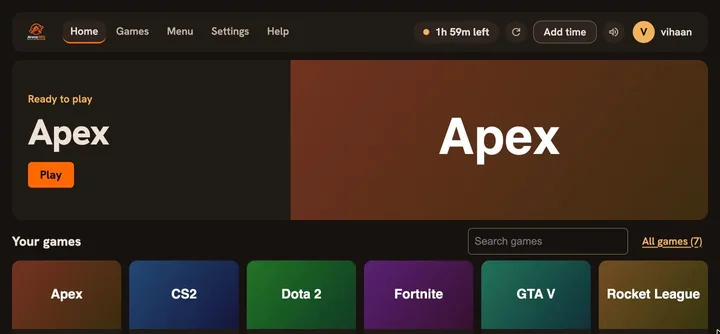
The station app shows the player their minutes left while they play, so the end of their time is never a surprise.
From ₹499 a month, plus GST
Free for 14 days. A card or UPI is needed to start. Cancel before day 15 and pay nothing.
The problem
A player who does not know their time is up gets cut off mid-game and blames the counter.
How it helps
- The time left is on screen during the game.
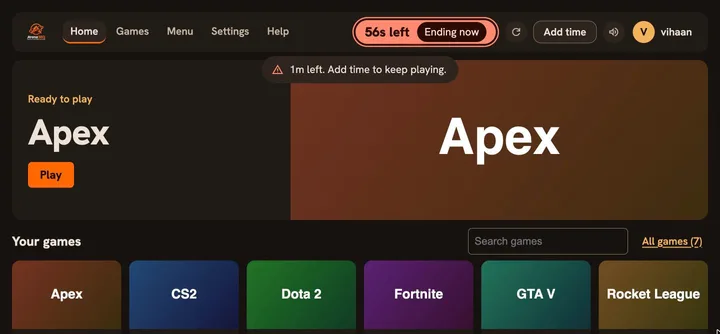
- A warning appears before the time ends.
- The time left changes colour when it is nearly over.
How it works
1. The player signs in or the counter starts the session.
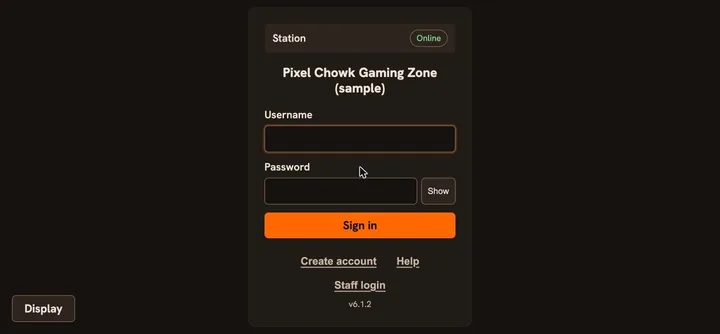
2. The time left stays on screen as they play.
3. Near the end the time left changes colour, so the player can ask the counter for more.
What it runs on
Windows PCs with the station app.
Questions
- Can a player hide the time?
- The time stays visible so the end is never a surprise.
- What if a player says the time is wrong?
- The Sessions list shows the start, the end and the time used for each session.
Related features
Try it in your own game zone, free for 14 days.
From ₹499 a month, plus GST
Free for 14 days. A card or UPI is needed to start. Cancel before day 15 and pay nothing.