Open a game from one screen
In every Plan
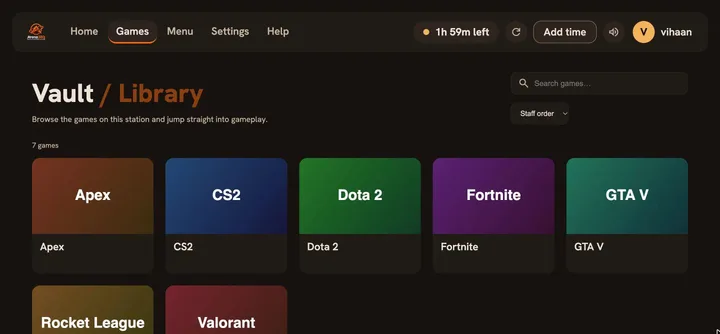
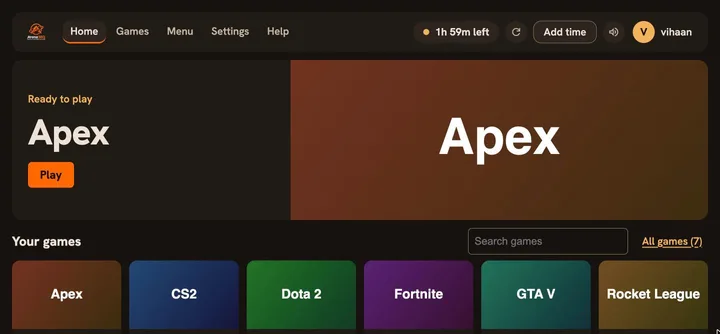
Players pick an installed game from one library on the station app. Games you hide are blocked.
From ₹499 a month, plus GST
Free for 14 days. A card or UPI is needed to start. Cancel before day 15 and pay nothing.
The problem
Players ask staff to open games, or open whatever they like, including ones you never meant to offer.
How it helps
- One library of the games installed on the PC.
- A game that is not on the list is blocked.
- Scan again finds a game installed after setup.
How it works
1. Open Stations, pick a station and open its Games tab.
The Games tab of a station in the admin panel2. Show or hide each game.
3. The player opens a game from the library.
What it runs on
Windows PCs with the station app.
Questions
- What if a game will not start?
- The station's Performance tab shows Launch failed with a reason. Scan again if the game was moved.
- Can I hide a game on one PC only?
- Yes. Games are shown or hidden per station.
Related features
Try it in your own game zone, free for 14 days.
From ₹499 a month, plus GST
Free for 14 days. A card or UPI is needed to start. Cancel before day 15 and pay nothing.