Know when a busy PC has no session
When a PC is being played with no session running, your phone gets a message. You know about the free hour while it is happening.
From ₹499 a month, plus GST
Free for 14 days. A card or UPI is needed to start. Cancel before day 15 and pay nothing.
The problem
A friend of the staff sits at a PC after hours, or a session is ended early and the game carries on. Nothing is billed, so nothing shows in the reports.
How it helps
- A busy PC with no session sends an alert to the Owner's phone.
- The alert names the station and the branch, so you know where to look.
- The alert tells you; it does not stop the game, so a genuine mistake is easy to put right.
How it works
1. Turn on notifications for the admin app on your phone.
The notification settings of the admin app on a phone2. When a PC shows load with no session, the alert arrives on your phone.
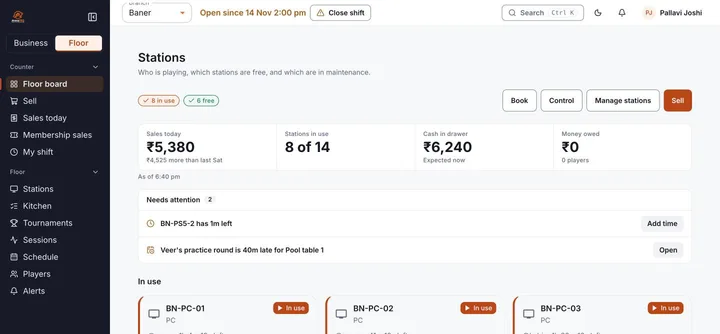
3. Open the alert to see the station, then call the counter or start the session from the floor board.
What it runs on
Windows PCs with the station app, and the admin app on the Owner's phone.
Questions
- Does the alert lock the PC?
- No. The alert tells you; it does not stop the game. The time-up lock is what ends play.
- Which plans have it?
- Growth and Pro. Starter does not send this alert.
Related features
Try it in your own game zone, free for 14 days.
From ₹499 a month, plus GST
Free for 14 days. A card or UPI is needed to start. Cancel before day 15 and pay nothing.